
How To Add Countdown Timer Button In Blogger Post
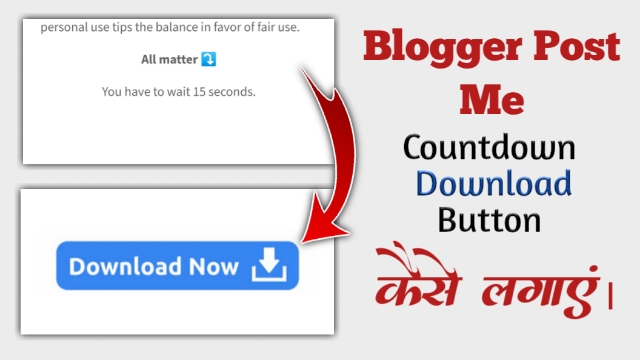
So I’ll tell you how you’ll add a countdown timer button in your Post.
So you’ll need a Countdown Timer Script to add the Countdown Timer Button to any of your posts. You will find that script in the box below.
Once the script has been copied, open the post in which you wish to add the countdown timer on your Blogger dashboard.
Next, you must access that post's HTML View.
After that, you must paste this script at the post's conclusion.
You must create a link to the file you need to link to in this Timer and https:// after pasting the script. Delete the portion and paste your file.
1 2 3 4 5 6 7 8 9 10 11 12 13 14 15 16 17 18 19 20 21 22 23 24 25 26 27 28 29 30 31 32 33 34 35 36 37 38 | <div dir="ltr" style="text-align: left;" trbidi="on"><body><center><span id="countdown">You have to wait 1 seconds.</span></center><br /><div style="text-align: center;"><br /><a href="https://www.mediafire.com/folder/raoleaw5fvir/Rtf 84" id="download_link" style="display: none;"><noscript>JavaScript needs to be enabled in order to be able to download.</noscript><script type="application/javascript">(function(){var message = "%d seconds before download link appears";// seconds before download link becomes visiblevar count = 1;var countdown_element = document.getElementById("countdown");var download_link = document.getElementById("download_link");var timer = setInterval(function(){// if countdown equals 0, the next condition will evaluate to false and the else-construct will be executedif (count) {// display textcountdown_element.innerHTML = "You have to wait %d seconds.".replace("%d", count);// decrease countercount--;} else {// stop timerclearInterval(timer);// hide countdowncountdown_element.style.display = "none";// show download linkdownload_link.style.display = "";}}, 1000);})();</script></div> </body></div> |

0 Comments